OTHER PAYMENT METHODS
PAYMENT METHODS
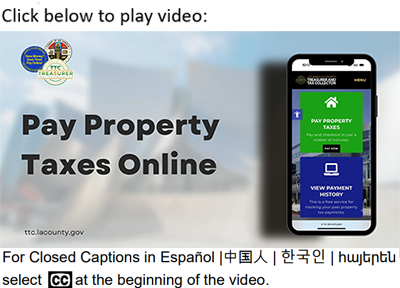
There is no cost to you for electronic check (eCheck) payments. Your Secured Property Tax Bill contains your Assessor’s Identification Number (AIN) which you will need to complete the transaction. Each eCheck transaction is limited to $2,500,000.00. When paying by eCheck, your bank account must be Automated Clearing House (ACH)-enabled, meaning the transaction can settle through the ACH Network. If your bank account has a debit block to prevent unauthorized organizations from debiting your account via ACH, you must notify your bank to authorize ACH debits from Los Angeles County with a debit filter with the Company Identification Number of 0 0 0 0 0 7 9 1 6 1.
We accept major credit card and debit card payments. You will need your Assessor’s Identification Number (AIN), which is printed on your Secured Property Tax Bill, to complete the transaction. Please retain the confirmation number for future reference. Each credit/debit card transaction is limited to $99,999.99, including a service fee of 2.22% of the transaction amount (minimum $1.49 per transaction).
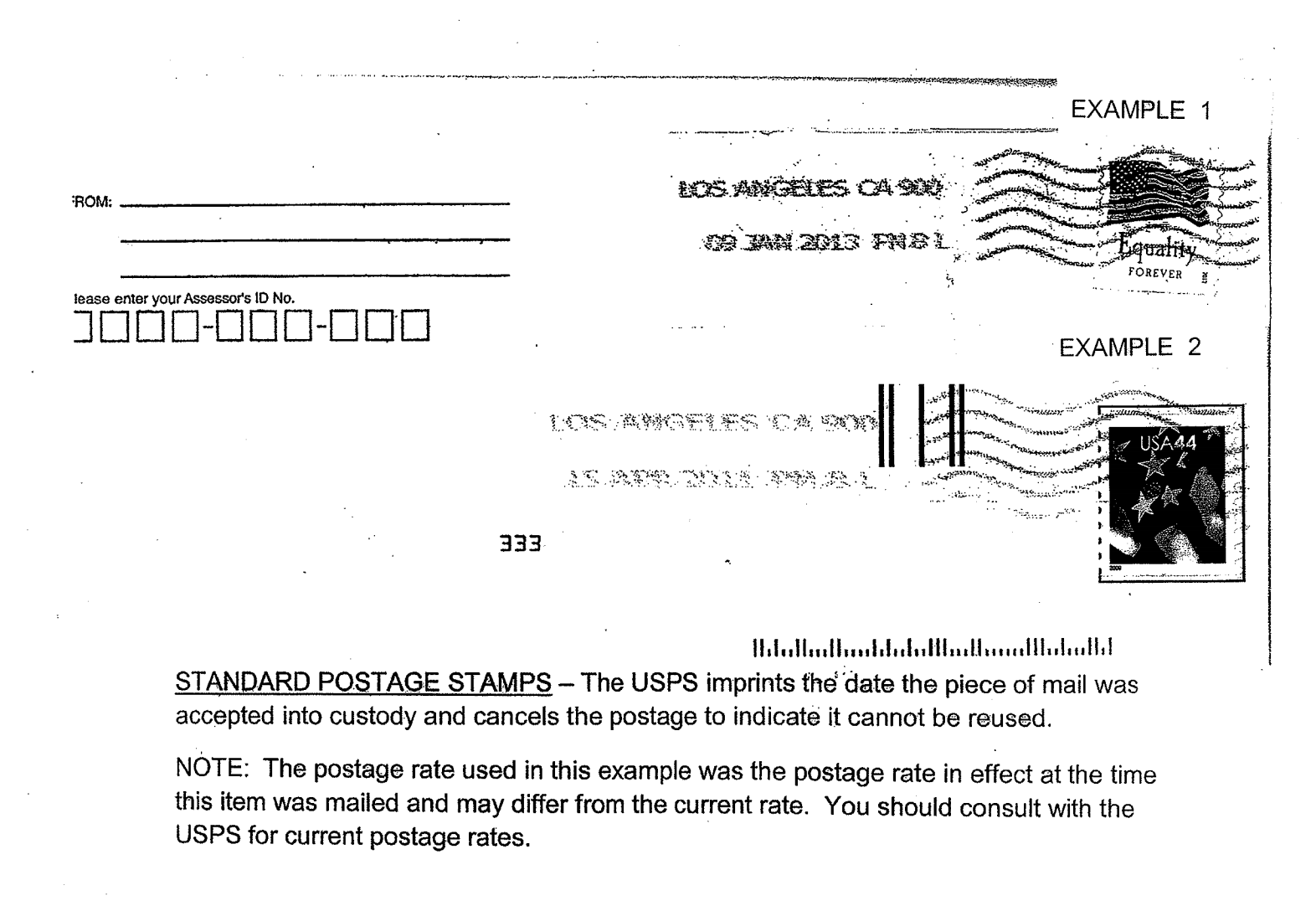
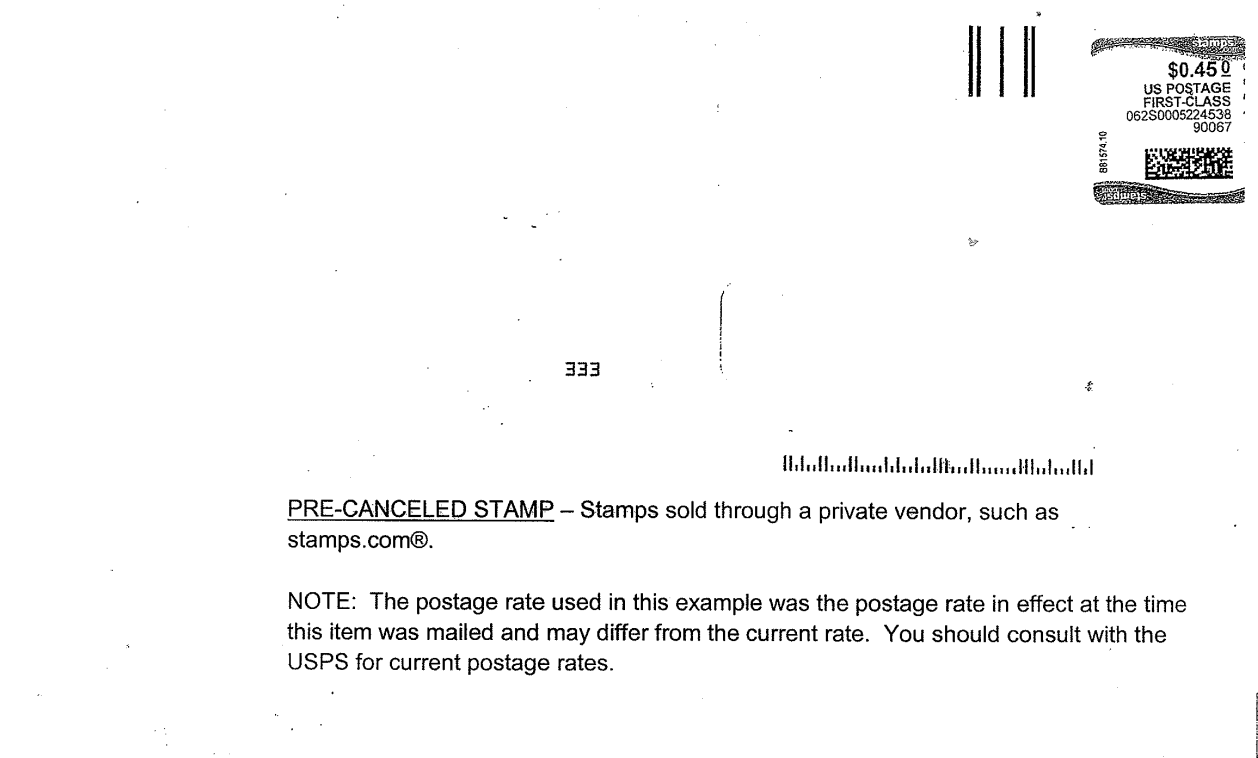
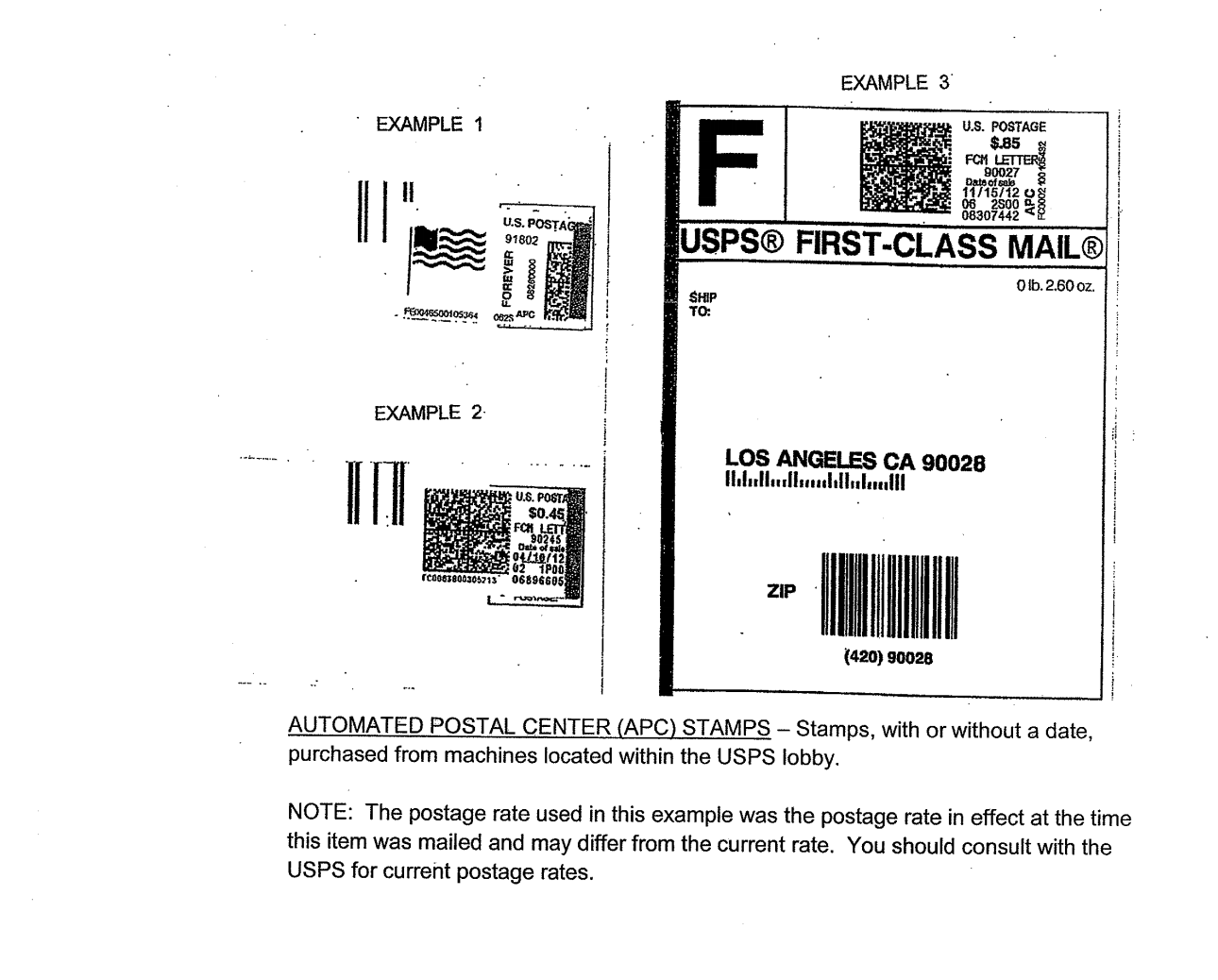
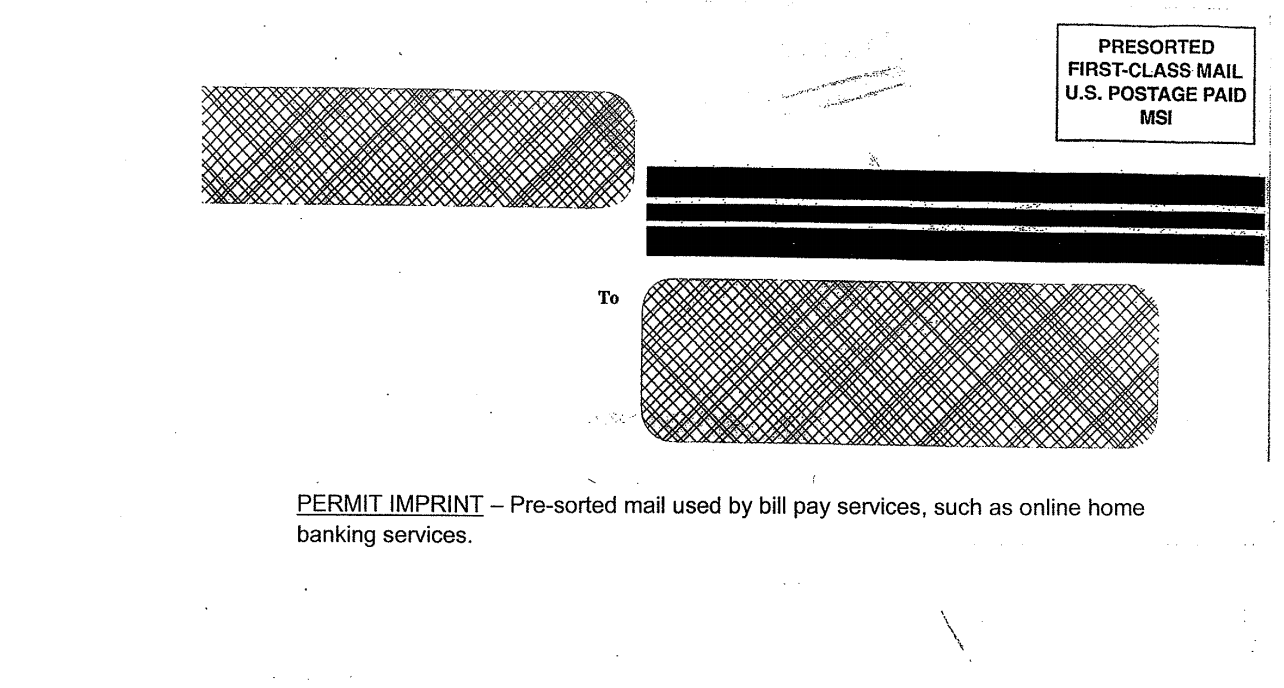
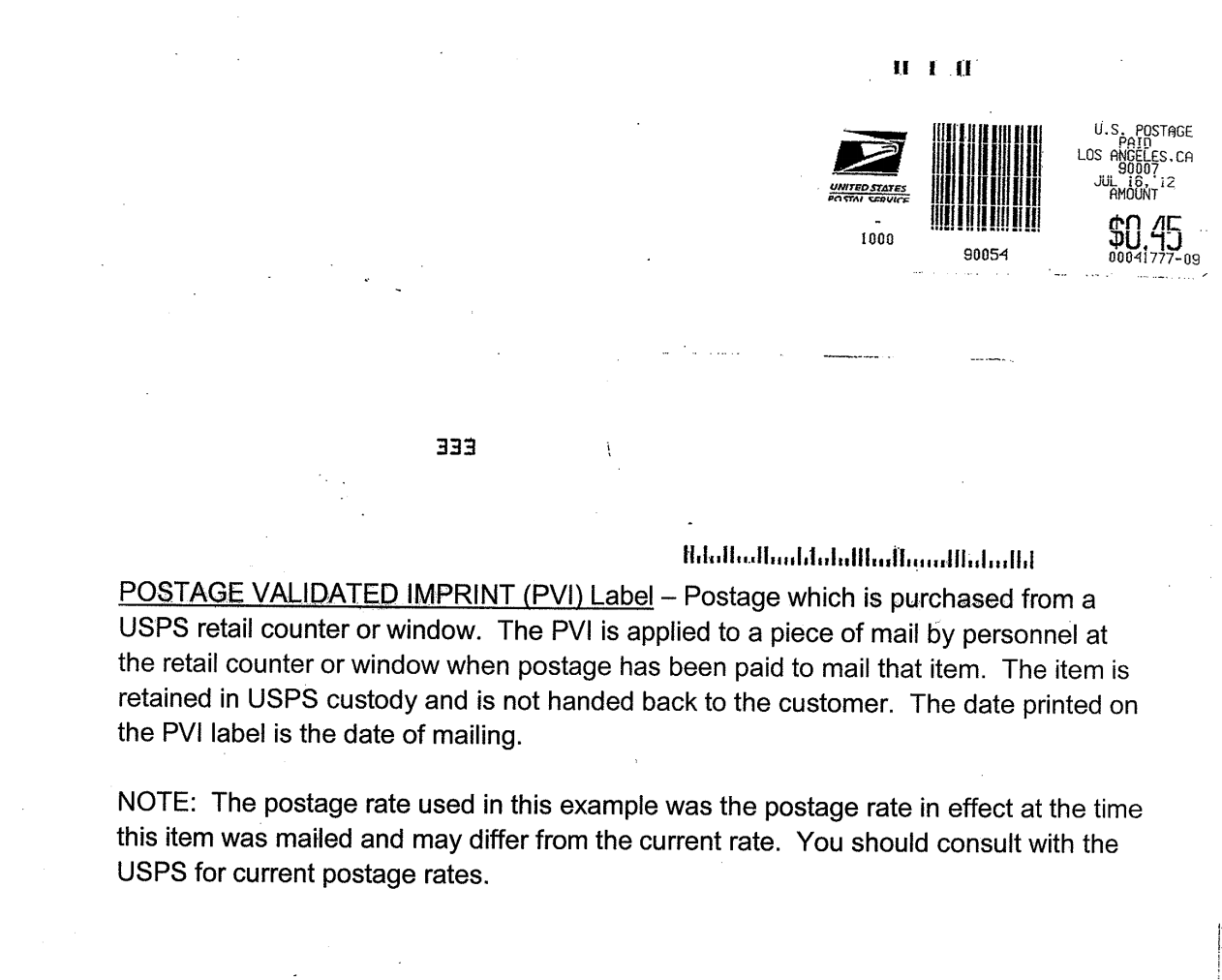
Before sending your payment, we recommend visiting our Avoid Penalties by Understanding Postmarks to ensure there are no problems when mailing your payment.
When preparing to send your payment, you may pay one installment or both installments together. But remember to:
- Make your check or money order payable to the Los Angeles County Tax Collector.
- Write the Assessor’s Identification Number on the lower left-hand corner of your check or money order.
- Enclose your payment stub(s) from your Property Tax Bill. If you do not have a payment stub, you may request a bill be mailed to the address of record by clicking here. Mail the payment in a sealed envelope, properly addressed, and with the required postage.
- Do not attach staples, clips, tape, or correspondence.
Payments mailed to an address other than the address listed below, including any Assessor Office, that are received by the Los Angeles County Tax Collector after the delinquency date are delinquent and penalties will be imposed.
MAIL TO
LOS ANGELES COUNTY TAX COLLECTOR
P.O. BOX 54018
LOS ANGELES, CA 90054-0018
INDEPENDENT DELIVERY SERVICE
If you are using an Independent Delivery Service, you must use an Internal Revenue Service designated delivery service, or one that has been approved by the Los Angeles County Tax Collector. The payment must be in a sealed envelope or package, properly addressed with the required fee prepaid; the package must have been sent on or before the delinquency date and delivery must be no later than 5:00 p.m. Pacific Time on the next business day after the effective delinquency date. For example, if December 10th falls on Monday, the package must be received in our office by
5:00 p.m. Pacific Time on Wednesday, December 12th. If December 10th falls on a Friday, the package must be received in our office by 5:00 p.m. Pacific Time on Tuesday, December 14th. Click the button below to view a list of accepted mailing services.
MAIL YOUR PAYMENT AND PAYMENT STUBS TO
LOS ANGELES COUNTY TAX COLLECTOR
KENNETH HAHN HALL OF ADMINISTRATION
225 NORTH HILL STREET, ROOM 137
LOS ANGELES, CA 90012
SAVE MONEY! SAVE TIME! PAY ONLINE!
Pay your taxes online using your checking account or credit/debit card. You will need your Assessor’s Identification Number (AIN) to search and retrieve payment information, as well as make a payment. You can make online payments 24 hours a day, 7 days a week up until 11:59 p.m. Pacific Time on the delinquency date.
There is no cost to you for electronic check (eCheck) payments. However, there is a service fee of 2.22% (minimum $1.49 per transaction) for credit/debit card payments. Each eCheck transaction is limited to $2,500,000.00, while each credit/debit card transaction is limited to $99,999.99.
When paying by eCheck, your bank account must be Automated Clearing House (ACH)-enabled, meaning the transaction can settle through the ACH Network.
If your bank account has a debit block to prevent unauthorized organizations from debiting your account via ACH, you must notify your bank to authorize ACH debits from Los Angeles County with a debit filter with the Company Identification Number of 0 0 0 0 0 7 9 1 6 1.
For questions regarding online payments by eCheck or credit/debit card, please visit our Public Inquiries web page for self-service options or to submit an inquiry.
Have your checking account information or your credit/debit card information available when you begin the online payment process. To make a payment now, click the button below. There is a maximum of ten shopping cart items per transaction. If you have more items to pay than the allowable maximum, you must complete the current transaction first, and then you will be able to select additional items to pay.
We accept major credit card and debit card payments over the telephone. To pay by telephone, call toll-free 1.888.473.0835. Your Secured Property Tax Bill contains your Assessor’s Identification Number (AIN), Year, and Sequence, which you will need to complete the transaction. Each credit/debit card transaction is limited to $99,999.99, including a service fee of 2.22% of the transaction amount (minimum $1.49 per transaction).
SAVE MONEY! SAVE TIME! PAY ONLINE!
Pay your taxes online using your checking account or credit/debit card. You will need your Assessor’s Identification Number (AIN) to search and retrieve payment information, as well as make a payment. You can make online payments 24 hours a day, 7 days a week up until 11:59 p.m. Pacific Time on the delinquency date.
There is no cost to you for electronic check (eCheck) payments. However, there is a service fee of 2.22% (minimum $1.49 per transaction) for credit card payments. Each eCheck transaction is limited to $2,500,000.00, while each credit/debit card transaction is limited to $99,999.99.
When paying by eCheck, your bank account must be Automated Clearing House (ACH)-enabled, meaning the transaction can settle through the ACH Network.
If your bank account has a debit block to prevent unauthorized organizations from debiting your account via ACH, you must notify your bank to authorize ACH debits from Los Angeles County with a debit filter with the Company Identification Number of 0 0 0 0 0 7 9 1 6 1.
For questions regarding online payments by eCheck or credit/debit card, please visit our Public Inquiries web page for self-service options or to submit an inquiry.
Have your checking account information or your credit/debit card information available when you begin the online payment process. To make a payment now, click the button below. There is a maximum of ten shopping cart items per transaction. If you have more items to pay than the allowable maximum, you must complete the current transaction first, and then you will be able to select additional items to pay.
We accept cash, check, money order, cashier’s check, and major credit cards and debit cards at 225 North Hill Street, First Floor Lobby, Los Angeles, CA 90012, between 8:00 a.m. and 5:00 p.m. Pacific Time, Monday through Friday, excluding Los Angeles County holidays. Each credit/debit card transaction is limited to $75,000.00, including a service fee of 2.22% of the transaction amount (minimum $1.49 per transaction).
We also accept payments at 335A East Avenue K-6, Lancaster, CA 93535, between 8:00 a.m. and 5:00 p.m. Pacific Time on the delinquency date of each Annual Secured Property Tax Bill installments only. You must make your payments by check, money order, cashier’s check, or major credit cards or debit cards. We do not accept cash payments at this location. Each credit/debit card transaction is limited to $75,000.00, including a service fee of 2.22% of the transaction amount (minimum $1.49 per transaction).
SAVE MONEY! SAVE TIME! PAY ONLINE!
Pay your taxes online using your checking account or credit/debit card. You will need your Assessor’s Identification Number (AIN) to search and retrieve payment information, as well as make a payment. You can make online payments 24 hours a day, 7 days a week up until 11:59 p.m. Pacific Time on the delinquency date.
There is no cost to you for electronic check (eCheck) payments. However, there is a service fee of 2.22% (minimum $1.49 per transaction) for credit card payments. Each eCheck transaction is limited to $2,500,000.00, while each credit/debit card transaction is limited to $99,999.99.
When paying by eCheck, your bank account must be Automated Clearing House (ACH)-enabled, meaning the transaction can settle through the ACH Network.
If your bank account has a debit block to prevent unauthorized organizations from debiting your account via ACH, you must notify your bank to authorize ACH debits from Los Angeles County with a debit filter with the Company Identification Number of 0 0 0 0 0 7 9 1 6 1.
For questions regarding online payments by eCheck or credit/debit card, please visit our Public Inquiries web page for self-service options or to submit an inquiry.
Have your checking account information or your credit/debit card information available when you begin the online payment process. To make a payment now, click the button below. There is a maximum of ten shopping cart items per transaction. If you have more items to pay than the allowable maximum, you must complete the current transaction first, and then you will be able to select additional items to pay.